
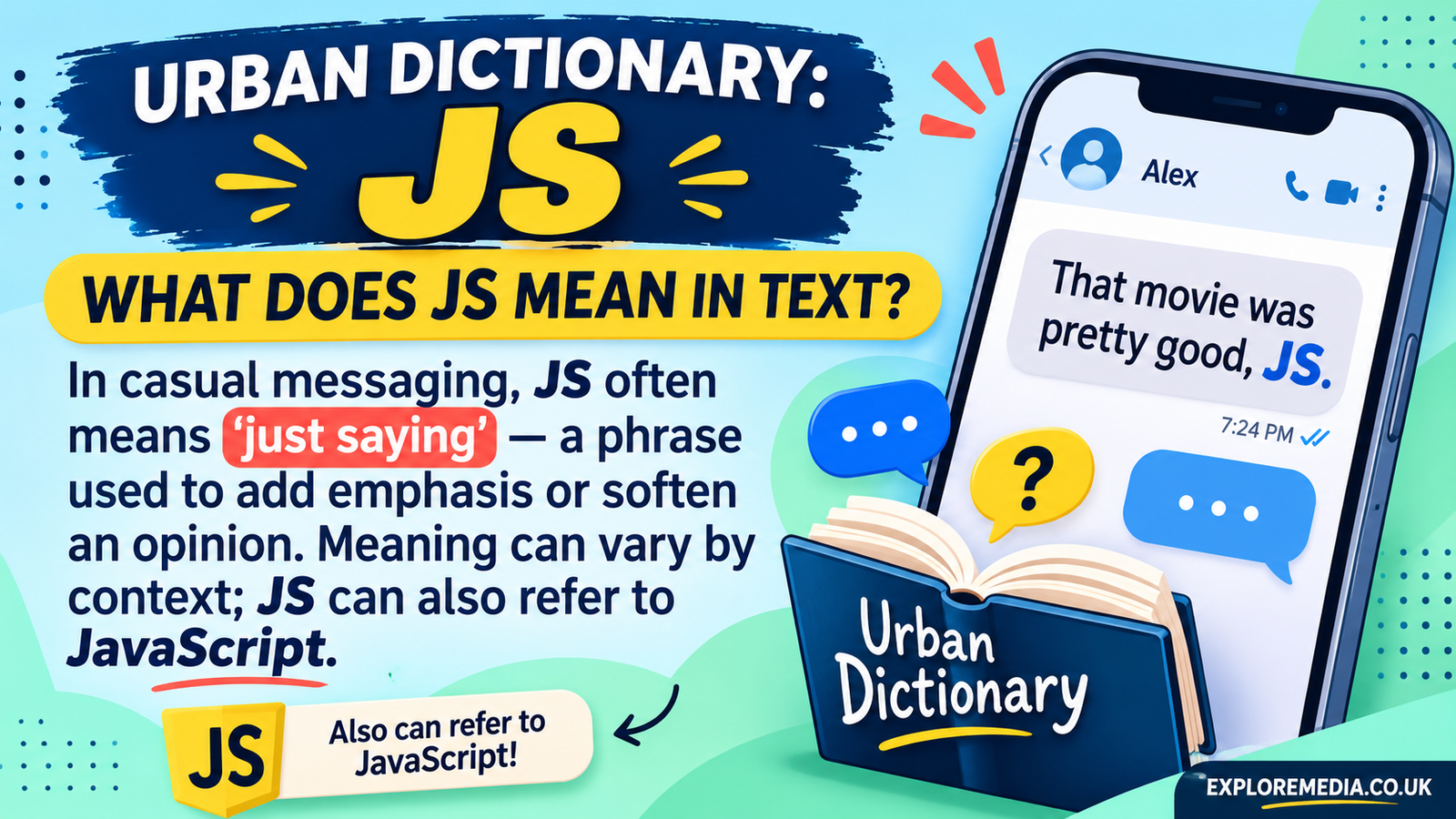
“Urban Dictionary JS” is what people search for when they want to pull Urban Dictionary JS definitions into a JavaScript or Node.js project. Urban Dictionary JS has no officially documented public API. Developers either call its public-facing endpoint directly or use one of several community-built npm packages that wrap it. This guide explains what each option is, how they differ, and what to check before you rely on them.
What does “Urban Dictionary JS” mean?
There is no single official product called Urban Dictionary JS. The phrase covers three things: the unofficial endpoint, npm packages that wrap it, and bots or apps that use either to look up slang.
The source of the data is Urban Dictionary JS, which is a crowdsourced English-language online dictionary for slang words and phrases, founded in 1999 by Aaron Peckham. It began as a parody of Dictionary.com and Vocabulary.com, created by Peckham while he was a college freshman. It has since grown well beyond a joke site. Anyone can suggest a new word or a new meaning, which is why researchers and even courts have looked at it for emerging language.
Does Urban Dictionary JS have an official API?
Not a documented one. A developer discussion on DEV Community notes that the site has a public-facing API but no public, documented one, and warns that heavy traffic could get an app blocked. The usual endpoint pattern is api.urbandictionary.com/v0/define?term={word}.
The urban package on npm calls the API official but undocumented. Treat that wording carefully. It means the endpoint is run by Urban Dictionary JS itself, but it comes with no published terms, limits or stability promise.
A minimal JavaScript example
You don’t need a package for a basic lookup. This example uses the built-in fetch available in modern browsers and Node.js:
javascript
const term = "javascript";
const url = `https://api.urbandictionary.com/v0/define?term=${encodeURIComponent(term)}`;

const res = await fetch(url);
const data = await res.json();

console.log(data.list); // array of definition entries
The list array holds the entries. Log the whole response once so you can see the fields available before you build on it. One Go client’s data model, for example, includes a definition ID, a written-on date and a permalink. Because the API is undocumented, field names can change without notice.
Popular JavaScript packages for Urban Dictionary JS
Several npm packages wrap the endpoint. The ones below were checked against their public pages. Their maintenance status was not independently verified, so check the last publish date before adopting one.
urban-dictionary. A Node.js module with methods such as define, wordsOfTheDay, autocomplete and getDefinitionByDefid. The README says the module was rewritten with more modern ES6 features in v3.0.0, and that methods from older versions may not work on it. It supports callbacks, or returns a Promise when no callback is given.
urban. Described as a program and library for Node.js. It works as a command-line tool (urban facepalm) and as a library with a random mode.
urbandict.js. Supports searching by term or definition ID, limiting results, and converting [boxed terms] in definitions to Markdown or HTML links. That last feature is handy for blogs and Discord-style output.
urban.js. A lightweight Node.js module with a define function and a random-result helper.
urbandic. A very small API client for JavaScript with a single search function.
urban-dictionary-client. Exposes a search function and uses ES module imports.
For quick scripts and bots, any of these is enough. For production work, pick the one with the clearest recent activity and a license that suits you, or skip packages entirely and make a single fetch call you control.
Other wrappers and paid options
JavaScript is not the only language with Urban Dictionary JS clients. A Dart package supports both the internal endpoint and a RapidAPI endpoint. A Go library uses the same api.urbandictionary.com/v0 base URL.
Third-party marketplaces also sell access. One example is an unofficial Urban Dictionary JS API listed on Zyla API Hub that limits usage by number of API calls. A separate open-source unofficial API scrapes the original site and offers a hosted playground. These are independent services, not run by Urban Dictionary JS.
Common use cases
Developers typically use Urban Dictionary JS data for:
- Discord, Slack or Telegram bots that reply to a
/definecommand. - Slang explainers and language-learning tools that show informal usage.
- Chat or content-moderation tools that need to recognise new slang.
- Browser extensions that show a definition when you highlight a word.
Reliability and content cautions
Three issues matter before you ship anything.
- Stability. An undocumented endpoint can change or throttle you at any time. Cache results and add error handling.
- Content quality. Entries are user-submitted. Some linguists consider relying on a crowdsourced dictionary risky, so treat definitions as examples of usage, not authoritative meanings.
- Mature content. Because anyone can contribute, results can include offensive or explicit material. If your tool is public or used by young people, filter or moderate the output.
You should also read Urban Dictionary JS own terms of use before commercial use. This article did not verify those terms, and an unofficial API does not remove any obligations they set.
Which approach should you choose?
If you want the simplest setup, call the endpoint with fetch and a small wrapper function. If you want convenience features such as random definitions, autocomplete or Markdown output, choose a package whose API matches your needs, such as urban-dictionary or urbandict.js. If you need guaranteed uptime and support, a paid marketplace API may be worth it, though it is still unofficial.
Conclusion
Urban Dictionary JS is not one library but a small ecosystem around an unofficial endpoint. The core idea is simple: send a term to the /v0/define endpoint and read the returned list. The practical work is in choosing a maintained package, handling errors, caching responses and moderating user-generated content. Check each package’s current status and Urban Dictionary JS terms before building anything important on top of it.
Does Urban Dictionary JS have an official API?
Urban Dictionary JS has no officially documented public API. A public-facing endpoint exists at api.urbandictionary.com/v0/define, and developers use it with unofficial tools, but it comes with no published guarantees.
How do I use Urban Dictionary JS in JavaScript?
Send a GET request to the define endpoint with your word as the term parameter, then read the list of entries in the JSON response. You can do this with fetch or use an npm package that wraps the call.
What is the best npm package for Urban Dictionary JS?
It depends on your needs. The urban-dictionary package offers define, autocomplete and word-of-the-day methods, while urbandict.js adds options like result limits and Markdown output. Check each package’s recent activity before choosing.
Is the Urban Dictionary JS API free?
The public-facing endpoint can be called without an API key, but it is undocumented and may be limited or changed at any time. Some third-party marketplaces charge based on the number of calls.
